
Unleash Blazing WiFi Speeds with the Netgear EAX80 Range Extender
Posted by WifiExtSetup on 20th September 2025
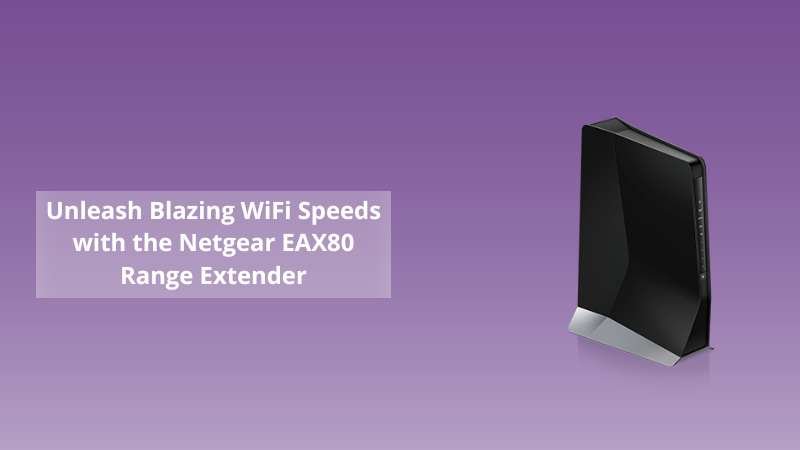
Are you tired of dead zones in your home? Does your WiFi drop when you move to another room? Slow speeds and unreliable connections can be frustrating. The Netgear Range Extender EAX80 promises to eliminate those issues. But does it really deliver? Let’s dive in to find out.
Why Choose the Netgear EAX80 WiFi Extender?
The EAX80 is a WiFi 6 mesh extender built to handle high-speed internet. Unlike traditional extenders, it doesn’t just repeat the signal—it integrates seamlessly with your existing network. That means stronger connections, faster speeds, and smooth performance for every device.
Think about your home as a highway. A weak router creates traffic jams. The EAX80 works like adding more lanes, so every device moves smoothly without slowing down.
Key Features of the Netgear EAX80
The EAX80 is packed with features designed for modern households:
-
WiFi 6 technology for faster speeds and greater efficiency.
-
Dual-band support with up to 6Gbps combined speed.
-
Four Gigabit Ethernet ports for wired connections.
-
Smart roaming that keeps you connected to the best signal automatically.
-
Universal compatibility with any WiFi router.
With these features, you can enjoy seamless streaming, gaming, and video calls without interruptions or buffering.
Step-by-Step Setup Guide for Netgear EAX80
Setting up the EAX80 extender is straightforward, even for those without technical expertise.
1. Unbox and Power On
Plug the EAX80 into a power outlet near your router and wait for the LED light to turn solid.
2. Connect to the Network
Use your smartphone or laptop to connect to the Netgear_EXT network.
3. Access the Setup Page
Open a browser and visit www.mywifiext.net. Follow the on-screen instructions.
4. Choose Connection Mode
Select whether you want to extend WiFi or use it as an access point.
5. Relocate the Extender
Once configured, move the extender to an area with weak signals but still within range of your router.
That’s it—your WiFi dead zones disappear instantly.
👉 For more insights on setup and troubleshooting, check out our guide:
Netgear Range Extender AC750: Complete Setup Guide, Benefits & Expert WiFi Tips
Benefits of Using the EAX80 Extender
The EAX80 is more than just a range booster. It transforms your network:
-
Seamless roaming ensures your devices switch between the router and the extender automatically.
-
Supports multiple devices without sacrificing performance.
-
Perfect for large homes or offices with multiple users.
-
Ideal for smart homes with connected devices like security cameras, TVs, and smart assistants.
With this extender, you can confidently work, stream, and play from any corner of your home.
Pro Tips for Optimizing Your Netgear EAX80
-
Place the extender halfway between your router and the weak zone.
-
Avoid walls, microwaves, and metal objects that block signals.
-
Update firmware regularly for better performance.
-
Use Ethernet ports for gaming consoles and smart TVs.
Small tweaks can make a big difference in your WiFi experience.
Conclusion: Is the Netgear EAX80 Worth It?
So, should you invest in the Netgear Range Extender EAX80? If you struggle with dead zones, weak signals, or multiple users, the answer is yes. It provides seamless connectivity, blazing speed, and wide coverage—all essential for modern digital life.
Why keep battling with poor WiFi when the solution is right here? Upgrade today and enjoy the freedom of strong, reliable internet everywhere in your home.
Frequently Asked Questions (FAQs)
Q1. Can I use the EAX80 with non-Netgear routers?
Yes, the extender works with any router, regardless of brand.
Q2. Does the EAX80 reduce internet speed?
No, thanks to WiFi 6, it maintains high speed across devices.
Q3. How many devices can connect to the EAX80?
It supports dozens of devices simultaneously without lag.
Q4. Is the setup difficult for beginners?
Not at all. The web-based setup and Netgear Nighthawk app make it easy.
Q5. Where should I place the EAX80?
Ideally, in an area where your router’s signal is still stable but weak in the far corner.